
Jobs, quotes, invoices and payments. AI included. $69 a month for 5 people.
14 days free · $0 today · card required · cancel any time
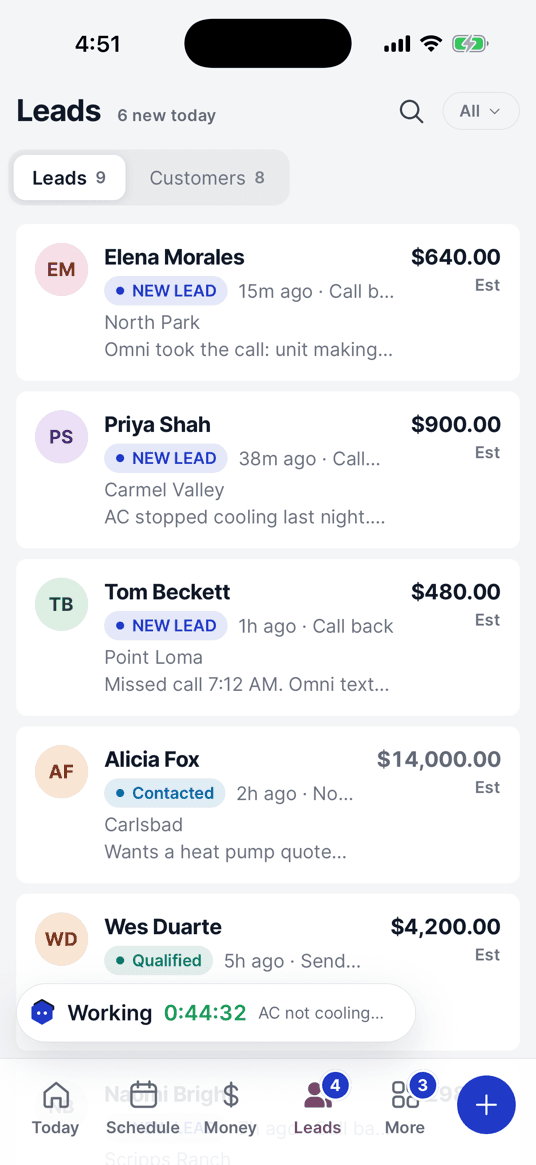
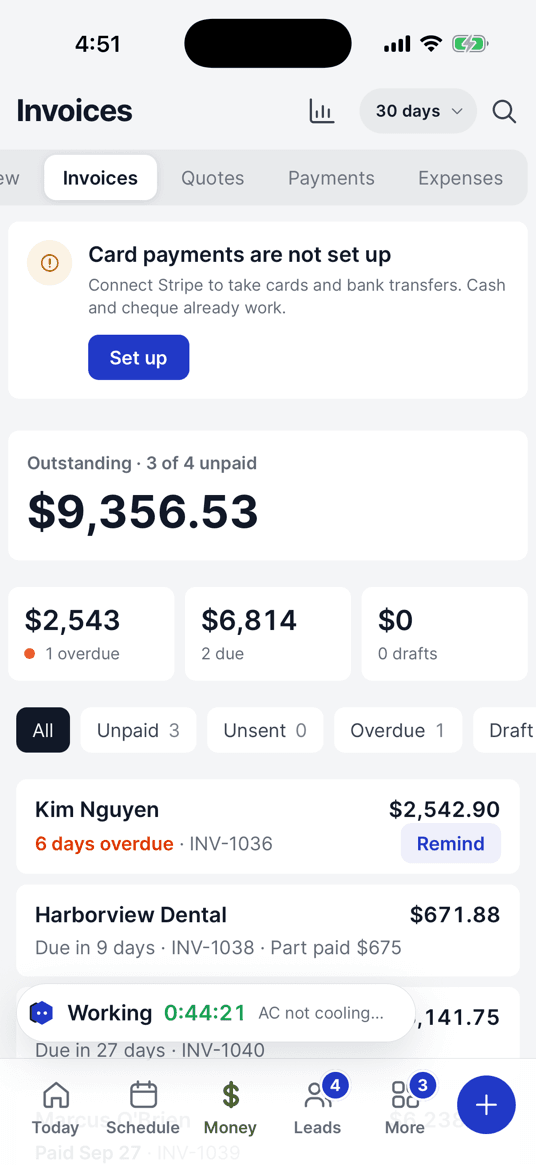
Send the invoice once. It chases itself.
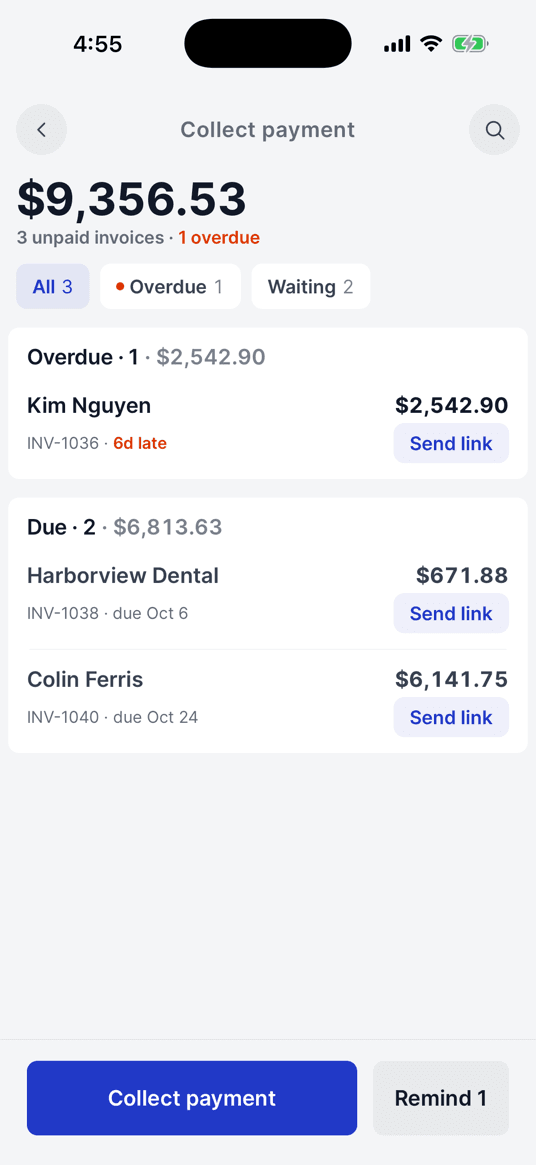
Reminders go out until it’s paid, then stop.
- Day 1Invoice sentINV-1042 · Kim Nguyen$1,240.00 · by text and email, pay link inside
- Day 3Reminder, by text
Hi Kim, a reminder that invoice INV-1042 ($1,240.00) from Harbor Air Conditioning is due. You can pay here: getomniops.com/pay/…
- Day 8Overdue reminder
Hi Kim, invoice INV-1042 ($1,240.00) is now 4 days past due. You can pay from the link above, or reply here and we’ll sort it.
- Day 9PaidPaid $1,240.00 · cardReminders stopped. Receipt sent.
Just ask. Omni does the busywork.
Type it or say it. Omni looks it up and writes the text.
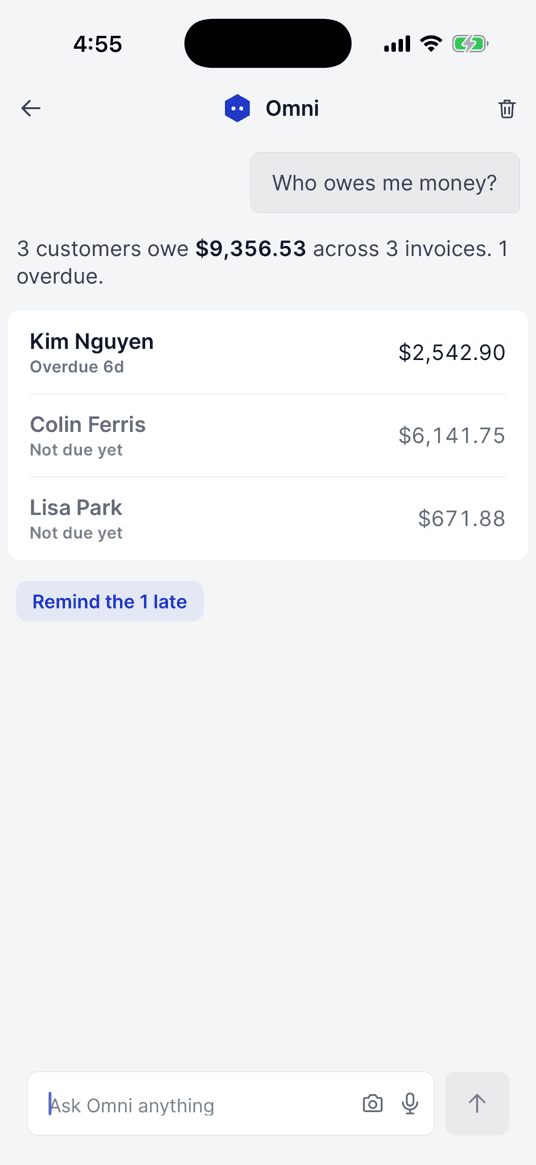
“Who owes me money?”
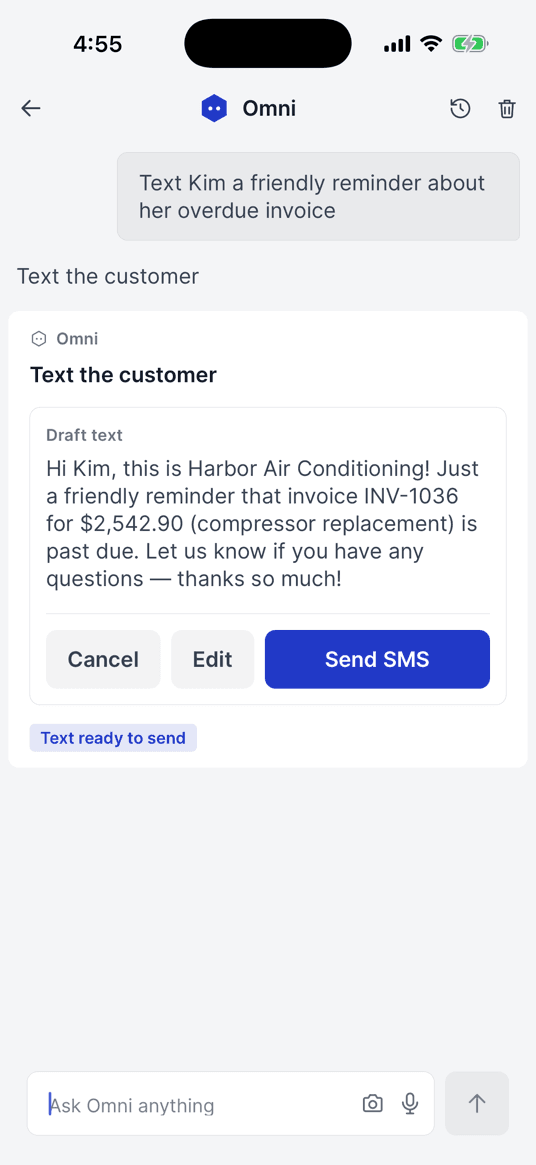
“Text Kim a reminder”
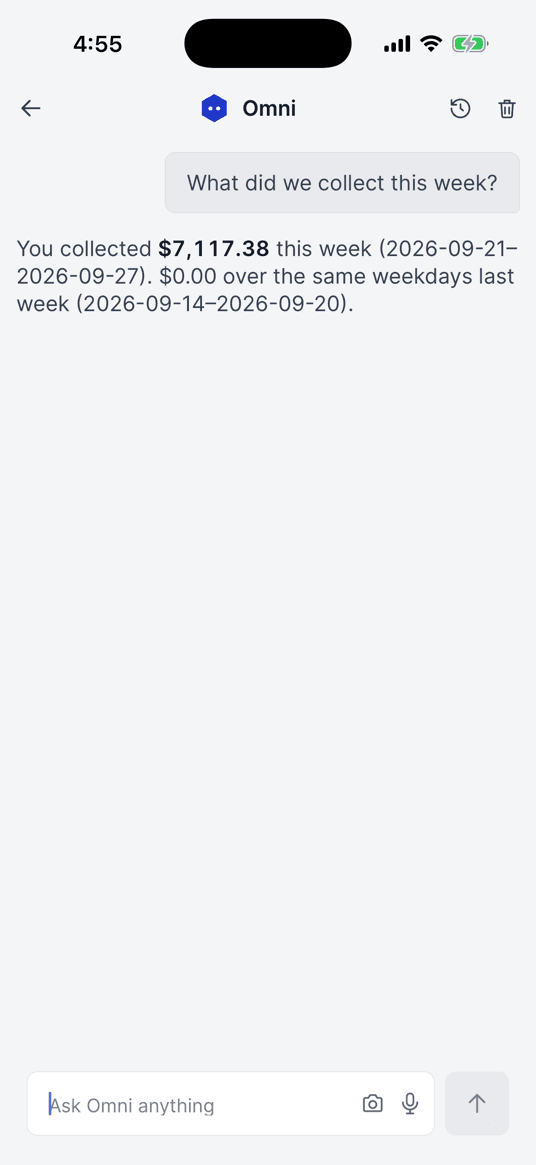
“What did we collect this week?”
Asks before it sends. Logs everything.
What your customers see.
- 1Book online
- 2Know you’re coming
- 3Pay from the text
- 4Leave a review
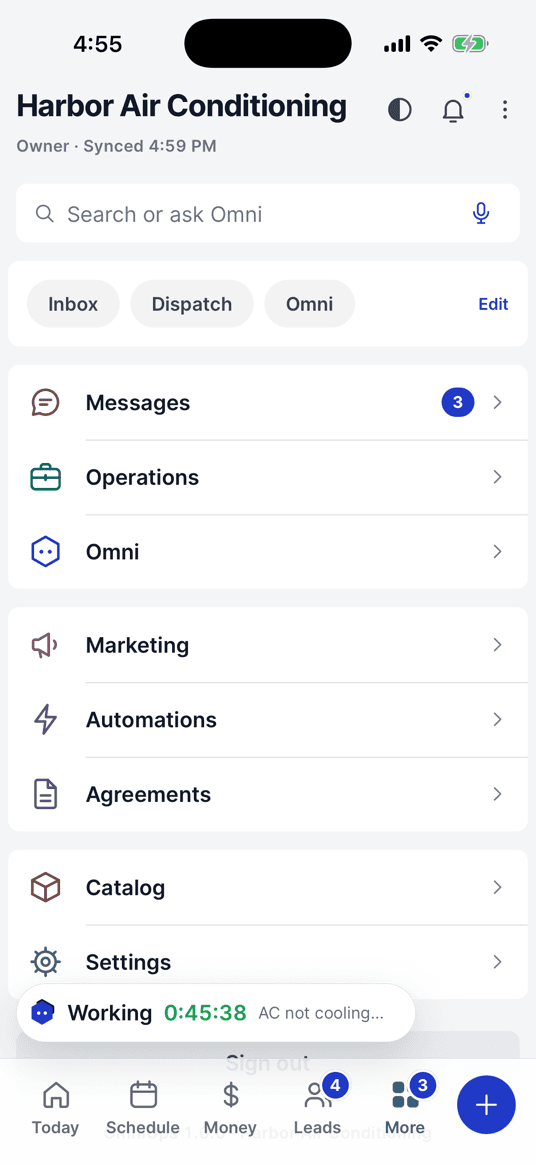
Everything’s included. Nothing to upgrade.
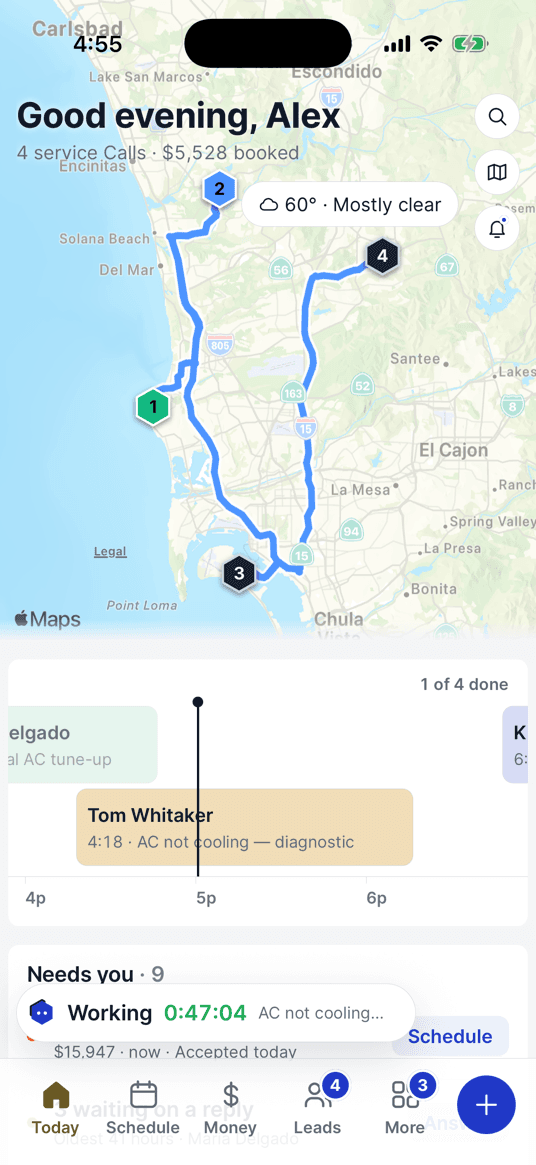
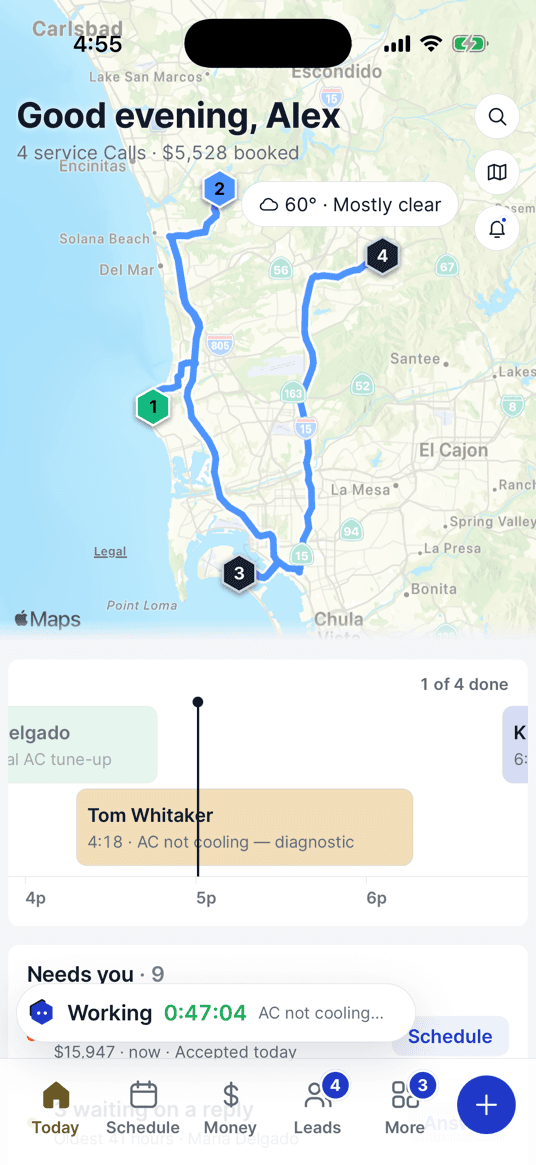
Map and route
Your day’s stops, in driving order.
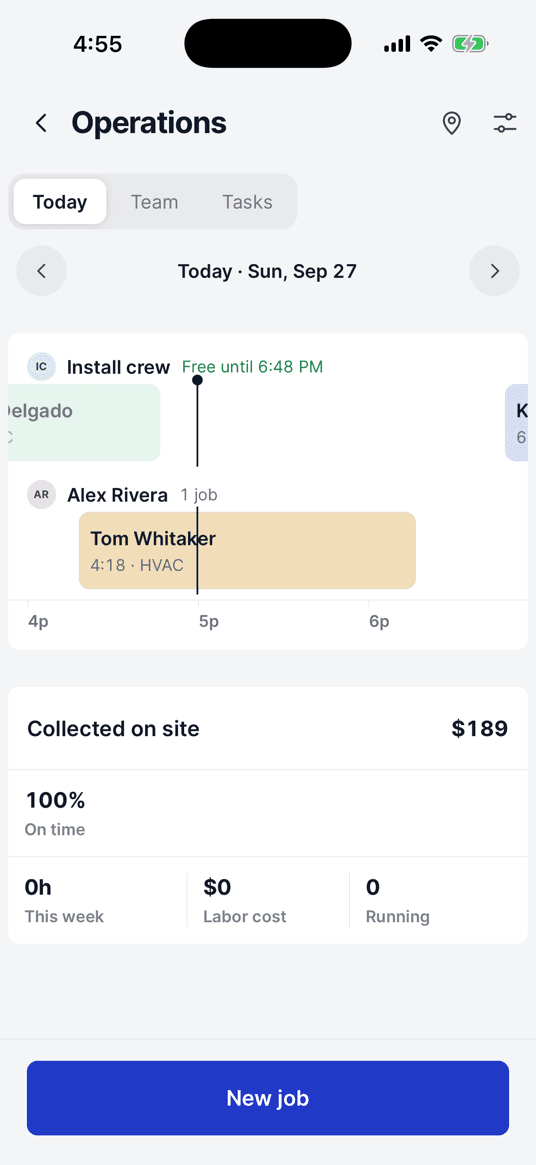
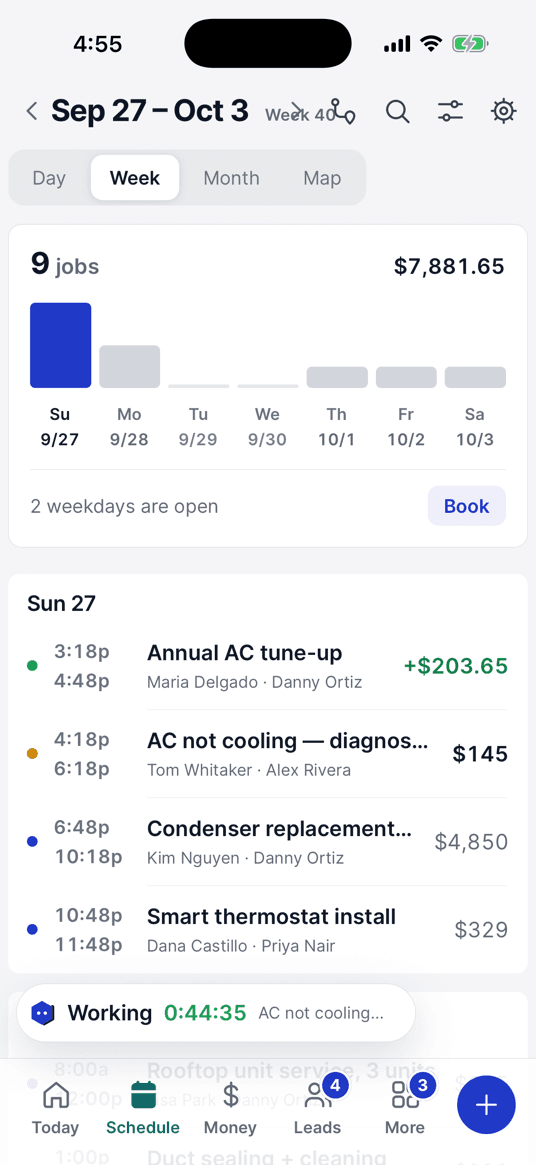
Dispatch
Every tech’s day on one screen.
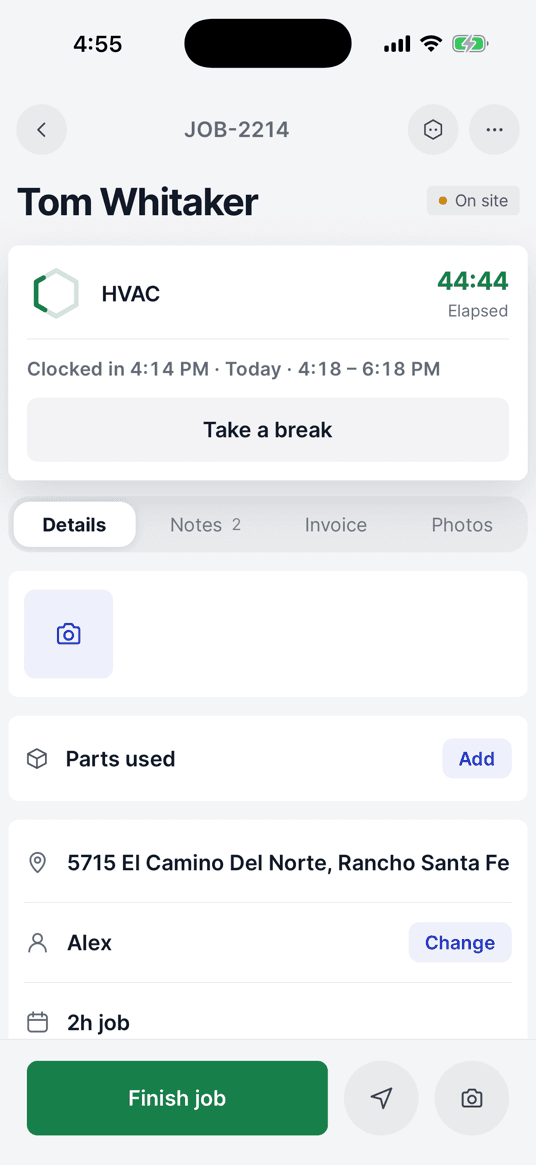
Time on the job
Clock in on site, one tap.
Quotes
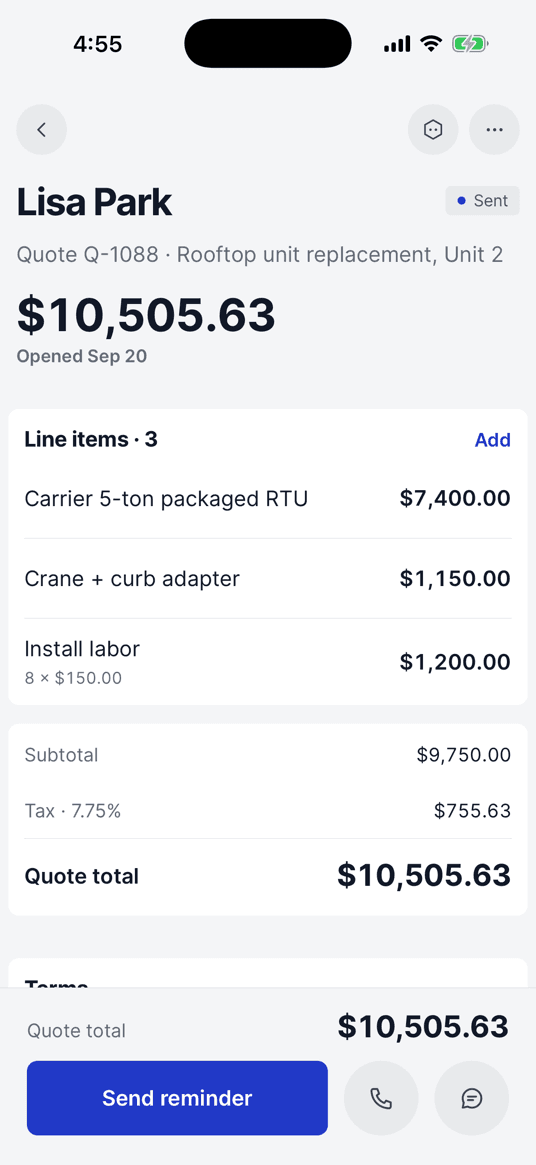
Itemized quotes, sent in a tap.
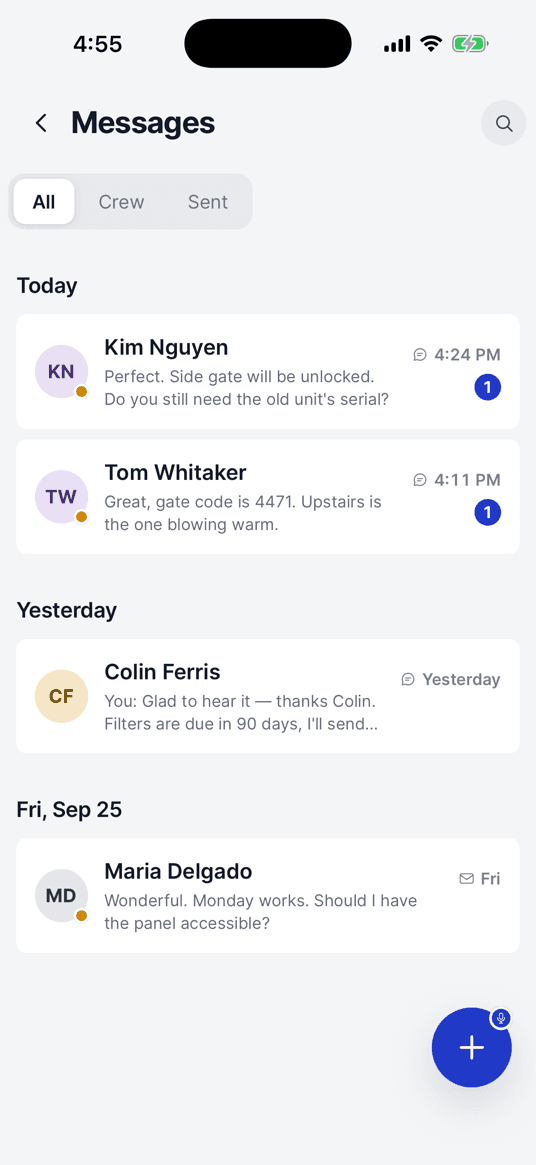
Customer inbox
Every text and email, one list.
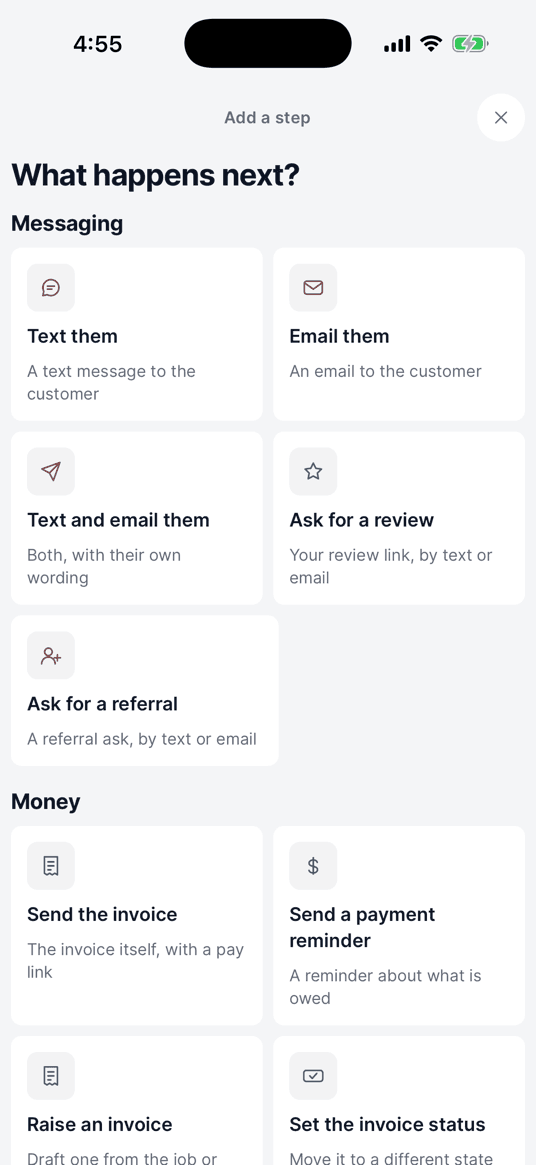
Automations
Follow-ups that run without you.
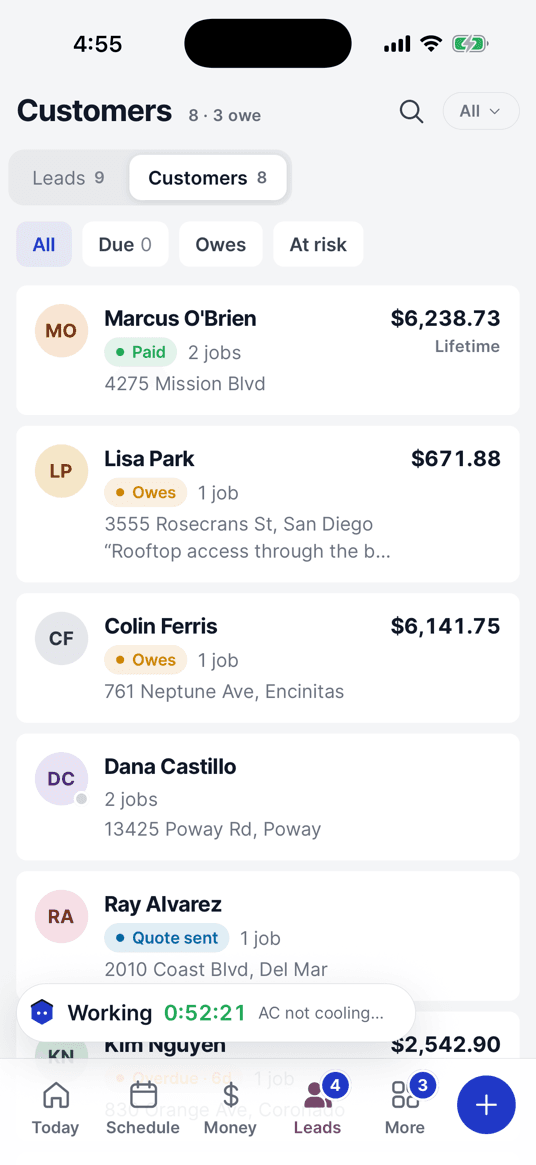
Customers
Who paid, and who still owes.
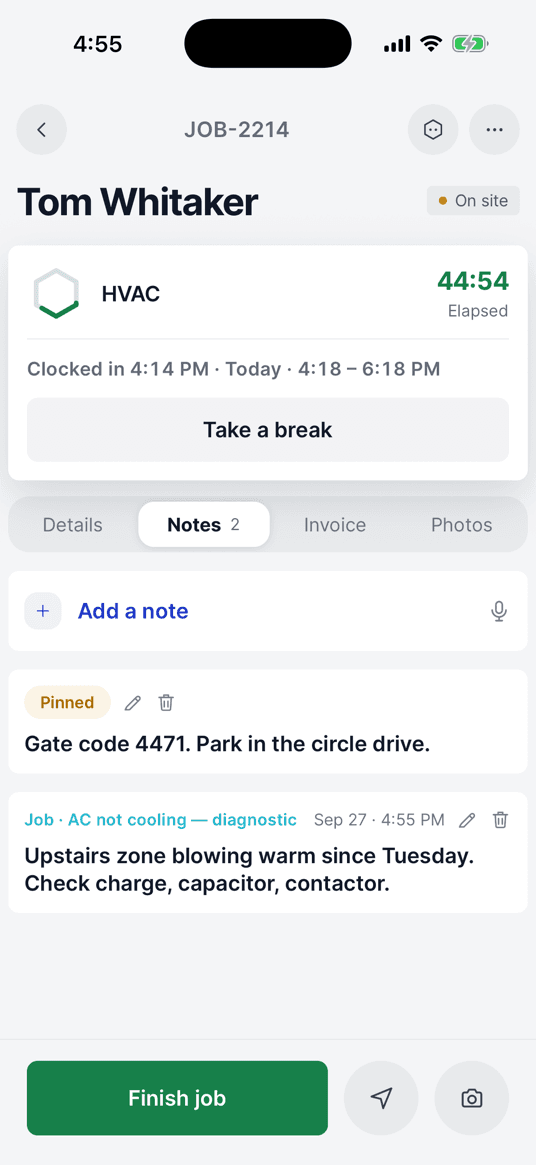
Access notes
Gate codes on the tech’s phone.
One plan. The whole crew.
$69/month
Up to 5 people. Every feature included.
No add-on fees: AI answering · two-way texting · route planning · checklists · reminders
$649 a year · extra people $15/mo
14 days free · $0 today · card required · cancel any time
| OmniOps | $69 |
|---|---|
| Housecall Pro Essentials | $189 |
| Jobber Grow | $299 |
Prices as of Sept 2026, before add-ons. housecallpro.com/pricing · getjobber.com/pricing
42 trades, prices already in
- Month to month. Cancel in the app and take your data.
- Switching from Jobber or Housecall Pro? We import it free.
- Real people answer your messages.
Questions.
Will it text my customers without asking?
No. Anything going to a customer waits for your OK, and everything Omni does is logged.
Does it work with no signal?
Mostly. Jobs, notes, photos, clock-ins and cash payments queue up and sync when you find a bar; taking a card and asking Omni need a connection.
Can my crew use it?
Yes, on their own phones, seeing only their own jobs. 5 people are included; more are $15 a month each.
What happens on day 15?
Your card is charged $69. Cancel in Settings before then and you pay nothing.
What does it cost to take a card?
Just the card processor’s rate, shown before you charge. OmniOps adds no fee of its own.
Is there an Android app?
Not yet. It’s on iPhone and the web today; leave your email and we’ll tell you the day Android is out.